Stephen Scott
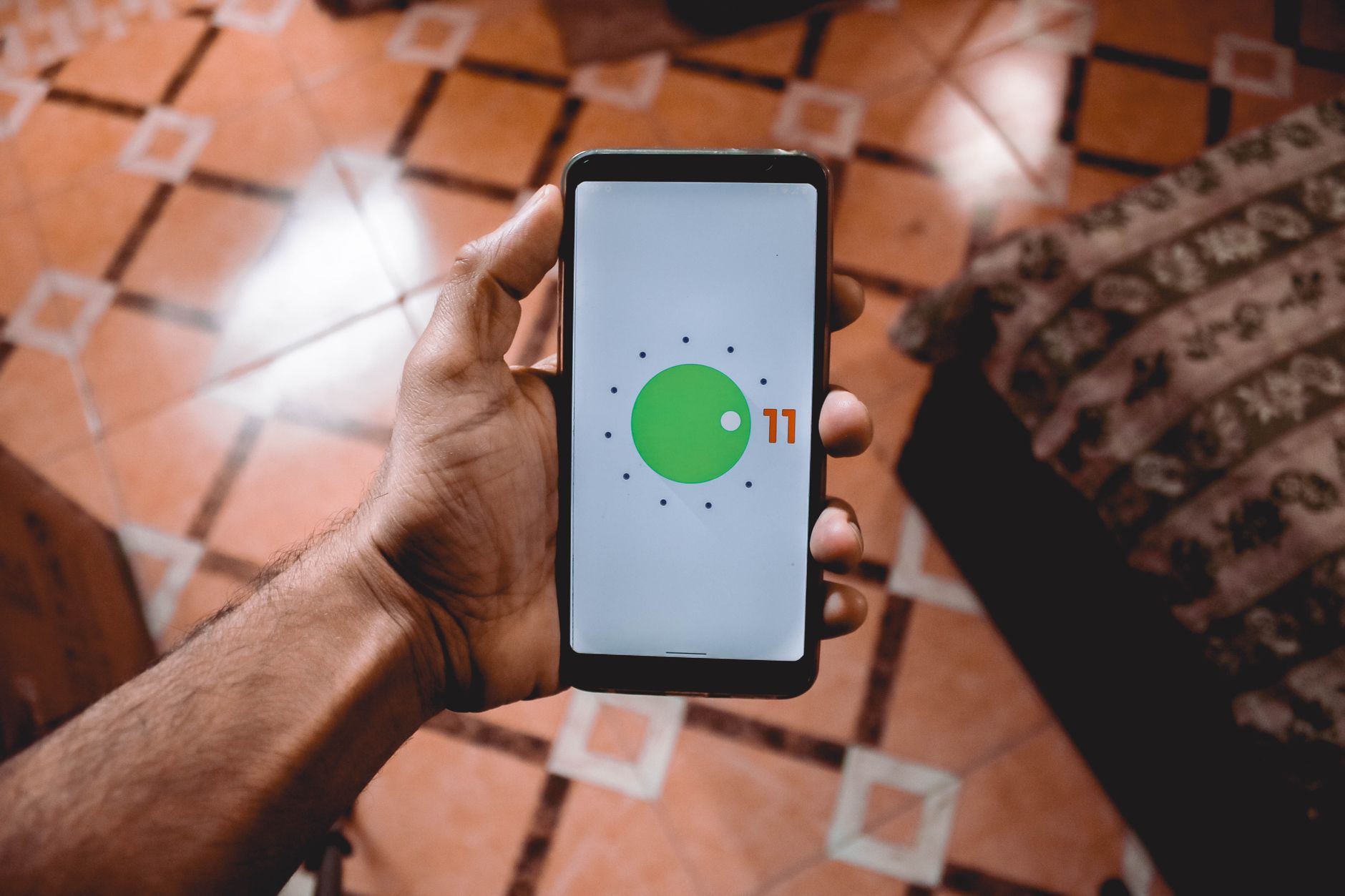
The Android 17 update is here for the Motorola Razr Ultra, bringing a host of new features and improvements. Users can look forward to enhanced performance and user experience with this latest release.
Overview of the Android 17 Update
The Android 17 update has generated considerable buzz among Motorola Razr Ultra users, particularly following its recent release by AT&T. This update promises to enhance the device’s performance and introduce several exciting features.
Key improvements included in the Android 17 update are:
- Performance Boost: Users can expect faster app launches and smoother multitasking.
- Enhanced Security: The update includes the latest security patches, ensuring user data is well protected.
- User Interface Changes: A refreshed interface aims to provide a more intuitive experience.
- Battery Optimization: Improved battery management features extend the device’s battery life.
Overall, the Android 17 update appears to be a significant upgrade for the Motorola Razr Ultra, making it a compelling option for users looking to optimize their device’s capabilities.
Key Features of the Update
The recent Android 17 update brings several key features that enhance the Motorola Razr Ultra experience. Users can expect significant improvements and new functionalities that elevate their device’s performance and usability.
- Enhanced User Interface: The update introduces a refreshed interface, making navigation smoother and more intuitive.
- Improved Battery Life: With optimized power management, users can enjoy longer battery life even with extensive usage.
- New Security Features: The Android 17 update strengthens device security, providing users with advanced protection against potential threats.
- Updated Apps: Pre-installed apps receive enhancements and new features, ensuring users have access to the latest tools and experiences.
- Performance Boost: Overall system performance is enhanced, leading to quicker load times and better multitasking capabilities.
These features make the Android 17 update a compelling choice for Motorola Razr Ultra users looking to maximize their device’s potential.
User Reactions to the Update
Following the recent release of the Android 17 update for the Motorola Razr Ultra, user reactions have been mixed, showcasing a variety of experiences. Many users took to social media to share their thoughts on the update.
- Positive Feedback: Some users praised the improved performance and enhanced battery life, noting that the device feels snappier and more efficient.
- Camera Enhancements: The update has also been lauded for its camera improvements, with several users highlighting better low-light photography and quicker focus times.
- Minor Glitches: However, a number of users reported encountering minor glitches post-update, such as app crashes and connectivity issues.
- Overall Sentiment: Despite some criticisms, the overall sentiment leans towards satisfaction, with many considering the Android 17 update a significant upgrade for the Motorola Razr Ultra.
As more users continue to share their experiences, it remains to be seen how these updates will affect the long-term usability of the device.
How to Install the Android 17 Update
Installing the Android 17 update on your Motorola Razr Ultra is a straightforward process. Follow these steps to ensure a smooth installation.
- Check Compatibility: Ensure your device is compatible with the Android 17 update by checking AT&T’s official website for the latest information.
- Backup Your Data: Before proceeding, back up your important data to avoid any loss during the update process.
- Connect to Wi-Fi: Make sure your device is connected to a stable Wi-Fi network to prevent interruptions during the download.
- Check for Update: Navigate to Settings, then System, and select System update to check for the Android 17 update.
- Download and Install: If the update is available, follow the on-screen prompts to download and install it.
After installation, your Motorola Razr Ultra will be equipped with the latest features and improvements from the Android 17 update.
Comparison with Previous Updates
The Android 17 update has brought significant changes to the Motorola Razr Ultra, making it a hot topic among users. To understand its impact, it’s essential to compare it with previous updates.
The last major update, Android 16, introduced basic performance enhancements but lacked in-depth features. In contrast, the Android 17 update offers:
- Improved battery management: Users report longer-lasting battery life.
- Enhanced camera capabilities: New settings and filters have elevated photography experiences.
- UI refinements: A more intuitive layout makes navigation smoother.
While Android 16 focused primarily on stability, the Android 17 update emphasizes user experience and functionality, marking a noticeable shift in Motorola’s approach. Many users feel that this update is the best to date, elevating the Motorola Razr Ultra to new heights.
Troubleshooting Common Issues
The rollout of the Android 17 update for the Motorola Razr Ultra has been largely positive; however, some users have reported common issues that can arise after installation. To help users navigate these challenges, we’ve compiled a list of troubleshooting tips.
- Device Lag: If your Razr Ultra is experiencing lag after the update, try restarting the device or clearing the cache of frequently used apps.
- Battery Drain: An increase in battery consumption can occur post-update. Adjusting background activity settings can help mitigate this issue.
- Connectivity Issues: Users may face problems with Wi-Fi or Bluetooth connections. Ensure that your device’s settings are configured correctly and consider resetting the network settings.
- App Compatibility: Some apps may not perform well with the new update. Check for app updates regularly or reinstall problematic applications.
By following these steps, users can enhance their experience with the Android 17 update.
Future Updates for Motorola Razr Ultra
The future of the Motorola Razr Ultra looks promising with the recent Android 17 update. Users are eager to see how this update will pave the way for subsequent enhancements and features.
As Motorola continues to innovate, it is likely that the Razr Ultra will receive regular updates that build on the improvements seen in Android 17. Future updates may include:
- Performance enhancements: Optimizations to improve speed and responsiveness.
- Security patches: Regular updates to ensure data protection and device security.
- New features: Additional functionalities that take advantage of the unique foldable design.
- User feedback integration: Incorporating suggestions from the community to enhance user experience.
Overall, the Android 17 update sets a solid foundation for what users can expect moving forward, making the Motorola Razr Ultra a device to watch.
By MattHurst via Openverse
Where this came from
Mozilla Firefox 161: The Best New Features You Need to Know · Amazon Israeli startup acquisition: Best smart deal of 2023 · Gemini API file slicing: Best proven method for developers